How to play TRENCH: DECAY starts in the lobby and ends at the extraction point: pick a class, learn the controls, push the trench with your squad, and bank your dog tags. This field manual covers the core squad PvE loop without inventing any numbers.
How to Play TRENCH: DECAY
How to play TRENCH: DECAY in 2026 is simpler than the beta makes it look: a WW1 squad shooter on Roblox where the core loop, trench tactics and the right controls carry you further than any loadout. This field manual covers how free codes and crates feed your kit — no invented numbers, just how the front actually works.
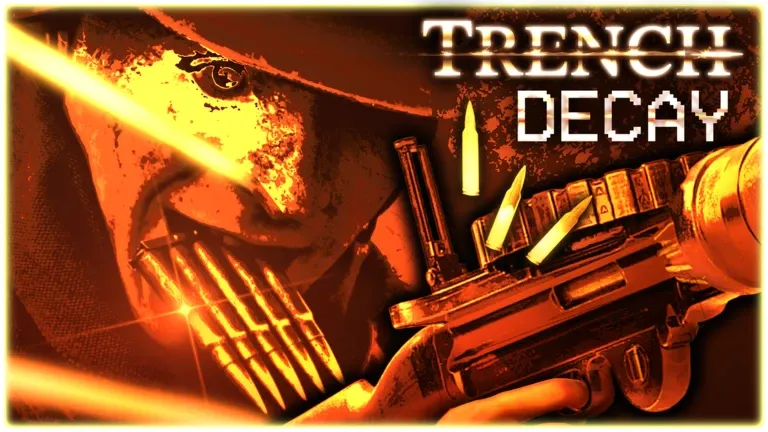 Fig. 01 — Over the top
Squad-based WW1 PvE
TRENCH: DECAY is a WW1-inspired player-versus-environment first-person shooter. You fight alongside a squad and creep across muddy trenches, influencing the battlefield with your actions. It is a hardcore, atmospheric take on the Great War — every step counts, and pushing a trench alone gets you swamped. Think cover, patience, and teamwork over run-and-gun. Pick a role in our classes guide and learn the keybinds on the controls page before you deploy.
1. Enlist and grab the free codes
Before your first push over the top, redeem every active promo code on the Codes page. They hand out Medals and Enlisted crates that give you a real head start on gear — at no cost. Codes are redeemed from the menu on the right side of the screen.
2. Learn the controls
TRENCH: DECAY is a deliberate, tactical shooter, not a run-and-gun arcade. Shift sprints, C crouches and goes prone, Q and E tilt to peek corners, and the mouse buttons swing light and heavy melee. Hold B to block and absorb a hit. The full PC keybind list lives on the Controls page.
3. Stick with your squad
This is a squad-based PvE experience. You fight alongside teammates and push through muddy trenches together — lone advances get you swamped by the enemy. Move as a unit, cover your angles, and use your numbers to survive the relentless waves.
4. Work the trenches, not no man’s land
Combat is tense and methodical. Use cover, peek around corners, and never over-extend into open ground where you can be pinned down. Every step counts in the trench line, so hold your position and let the squad carry the advance.
5. Spend crates on your loadout
Rewards arrive as Medals plus three crate types: Cosmetics Crates for appearance, Enlisted Melee Crates for melee kit, and Enlisted Firearms Crates for firearm kit. Crack them to build out your loadout between pushes — the Crates page breaks down what each one grants.
6. Expect a moving front line
The game is in early beta. New mechanics, server restarts, and balancing happen often — sometimes within a day of each other. Treat each session as a fresh build: follow the official studio group and Discord, and re-learn what works as the trench shifts under you.
Gear up before you deploy
Redeem the active codes for free Medals and crates, then learn the keybinds so the trench feels natural before your first push.
How to Play FAQ
What is the goal in TRENCH: DECAY?+
It is a WW1-inspired PvE FPS on Roblox where you fight alongside a squad and push through trenches, influencing the battlefield with your actions. The loop is squad survival and advancing the line, not a solo score chase.
Is TRENCH: DECAY single-player or co-op?+
It is built as a squad-based PvE experience — you enlist with a team and work together to clear the trenches. Sticking with your squad is the core way to survive the enemy waves.
How do I get better gear without grinding?+
Redeem the active promo codes for free Medals and crates, then open your Cosmetics, Enlisted Melee, and Enlisted Firearms crates to build out your loadout. The Codes and Crates pages cover the current rewards.
Is TRENCH: DECAY finished?+
No — it is an independent, solo-developed project currently in early beta. Updates, new mechanics, and server restarts ship frequently, so systems and balance can change between sessions.
Can I play TRENCH: DECAY on mobile and console?+
Yes. The game runs on Roblox, which is available across PC, Mobile, and Console. The developer publishes the full keybind list for PC; mobile touch and console gamepad use Roblox’s standard on-screen and controller mappings.
New to the trenches?
The Beginner Guide covers squad tactics and the medal & crate systems in more depth.
Related Reading
Beginner Guide
Squad tactics, Medals and the crate systems explained for new recruits.
Read →
Tutorial Walkthrough
A phase-by-phase tour of a match from lobby to extraction.
Read →Controls
The full PC keybind list for movement, melee and blocking.
Read →Classes
All seven classes and how their skill quests earn points.
Read →Squad Co-op
How to play with friends and why the squad is the whole game.
Read →